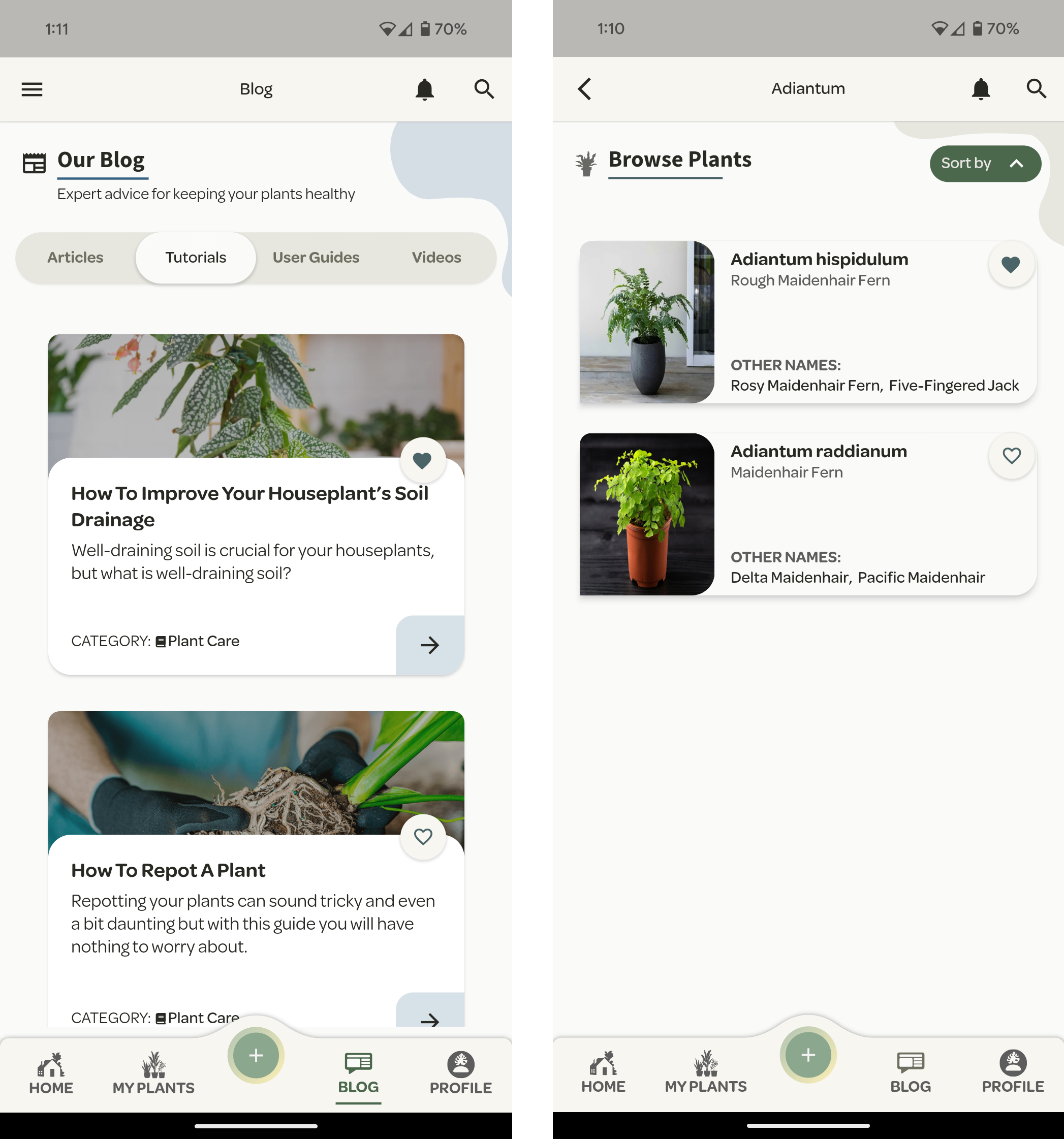
To help users interact with the Willow app, we've compiled a how-to for the most common tasks.
Favourite a Plant or Blog
If you have found a plant in our database you wish to purchase at a later date or a blog you wish to revisit, you can add these resources to your ‘My Favourites’ section. This is simply done by pressing the love heart icon.
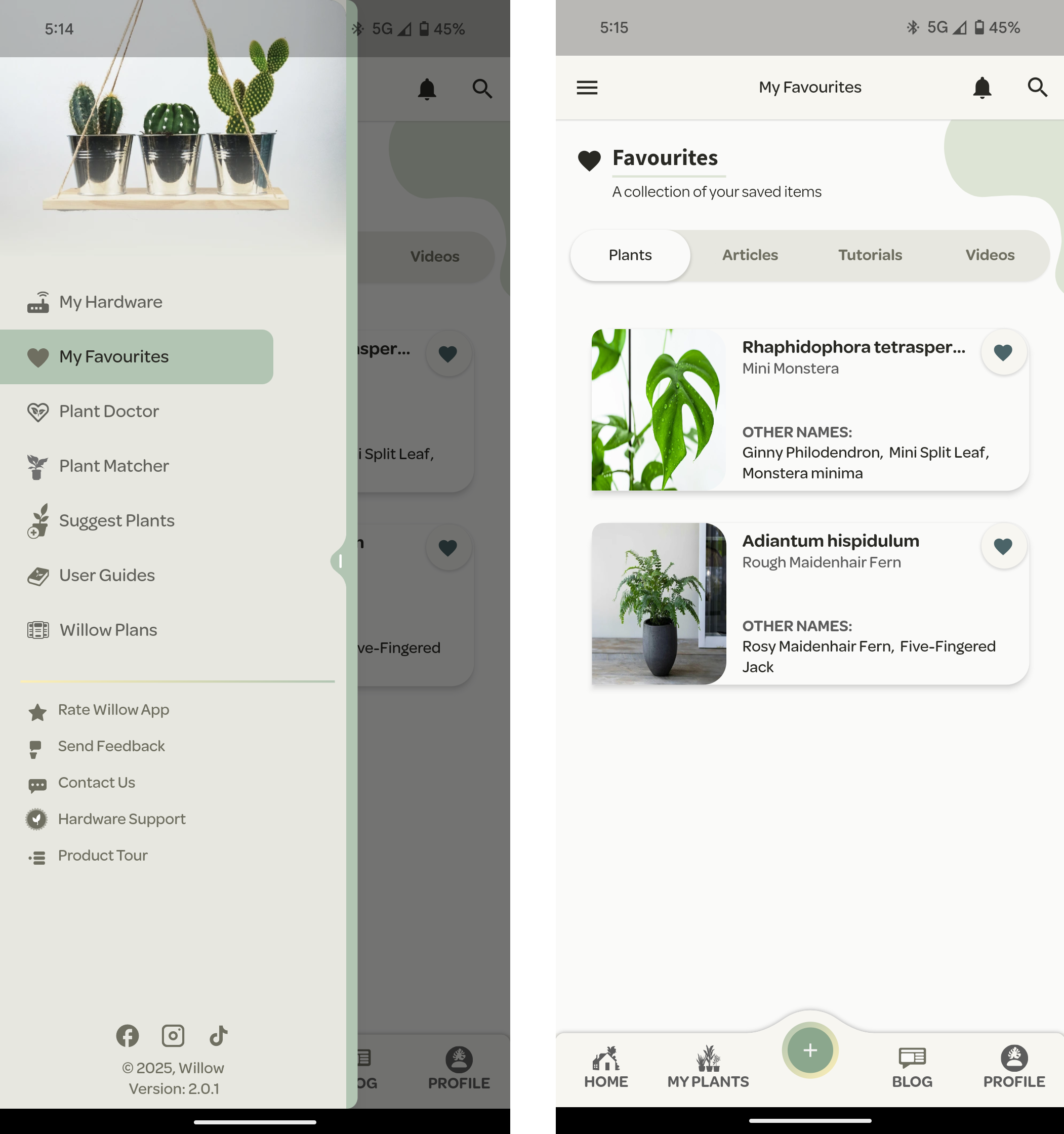
Once saved, you can access your favourites by the side navigation menu.
Suggest Plant
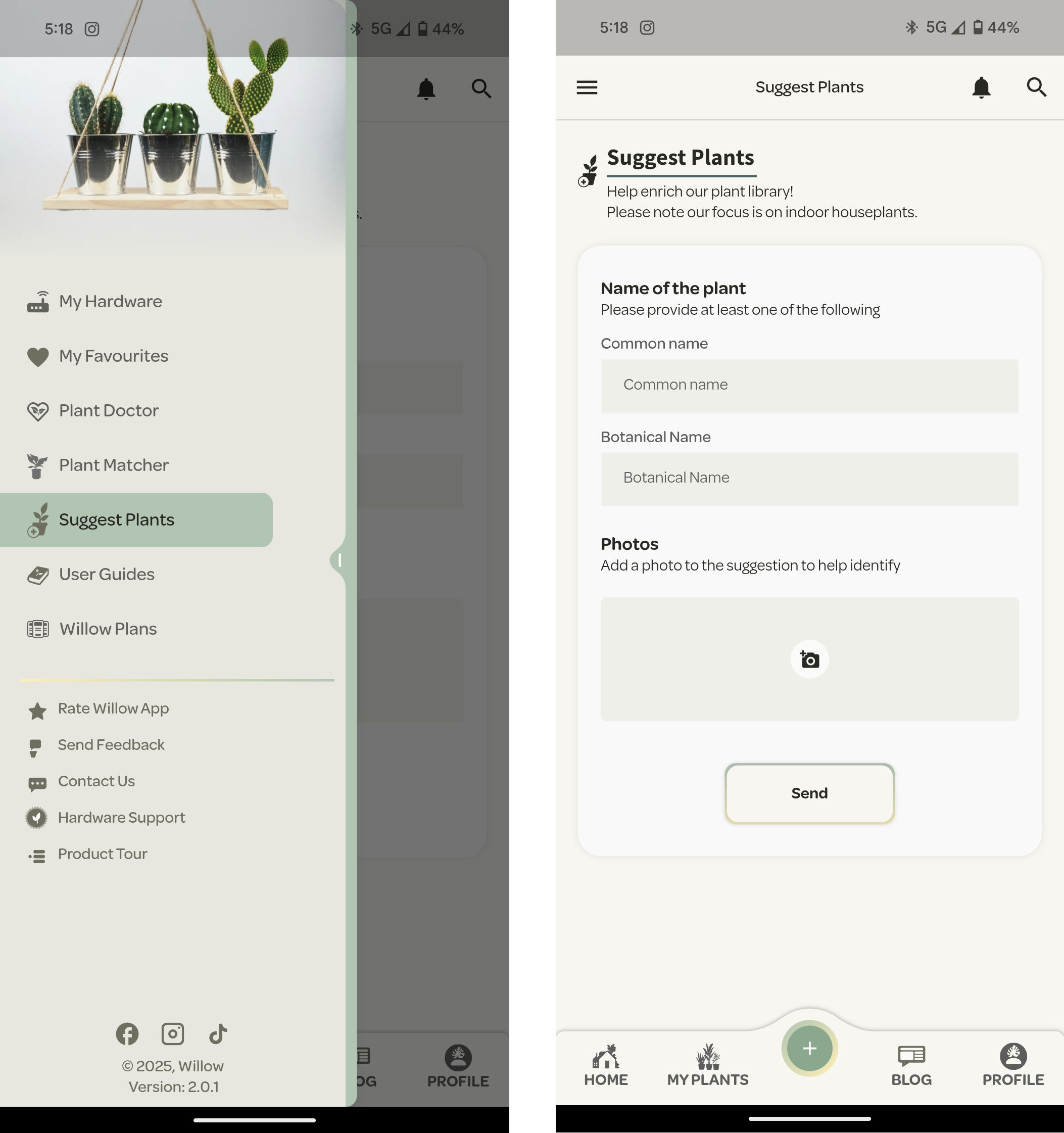
If you can’t find your plant in our database, let us know! We’re always adding to our database.
Visit the side navigation drawer and select ‘Suggest Plant’. Here you will be prompted to provide the name and a photo (if you have). Then just hit the ‘Send’ button.