A quick and easy guide to follow to replace your batteries.



A quick and easy guide to follow to replace your batteries.
1
Disassemble
2
Remove Screw
3
Replace Battery
4
Reassemble
5
Job Done
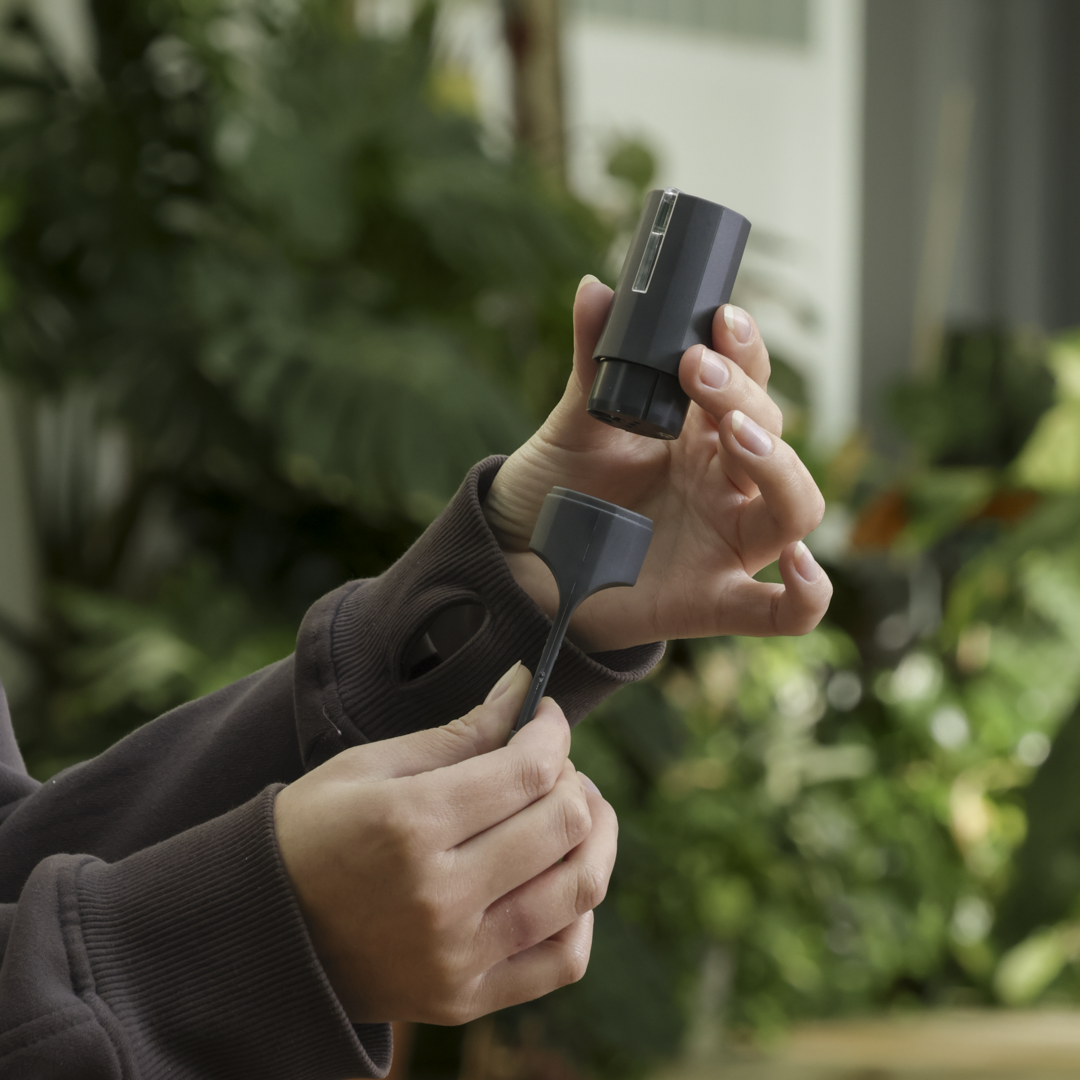
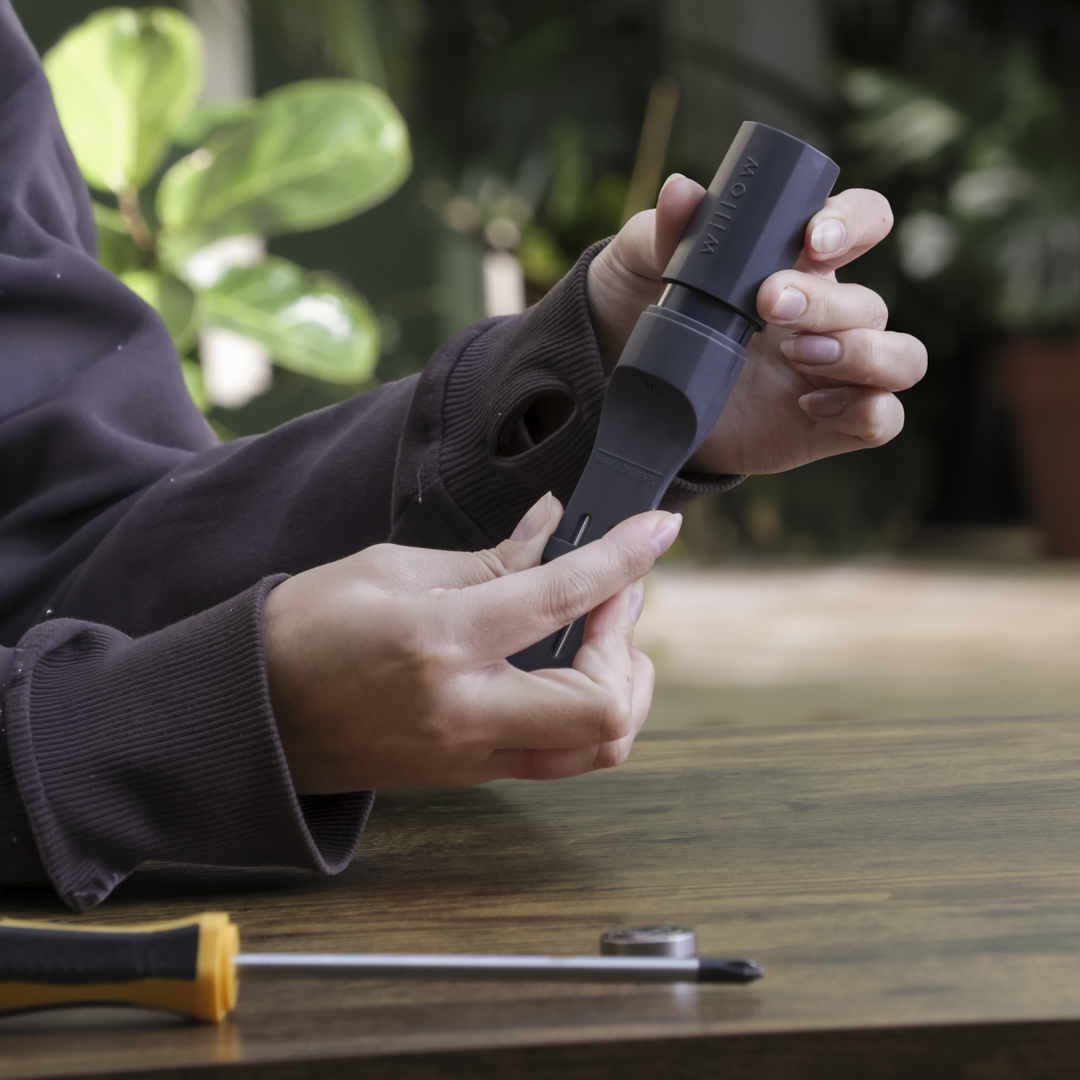
Separate the top housing from the bottom probes.
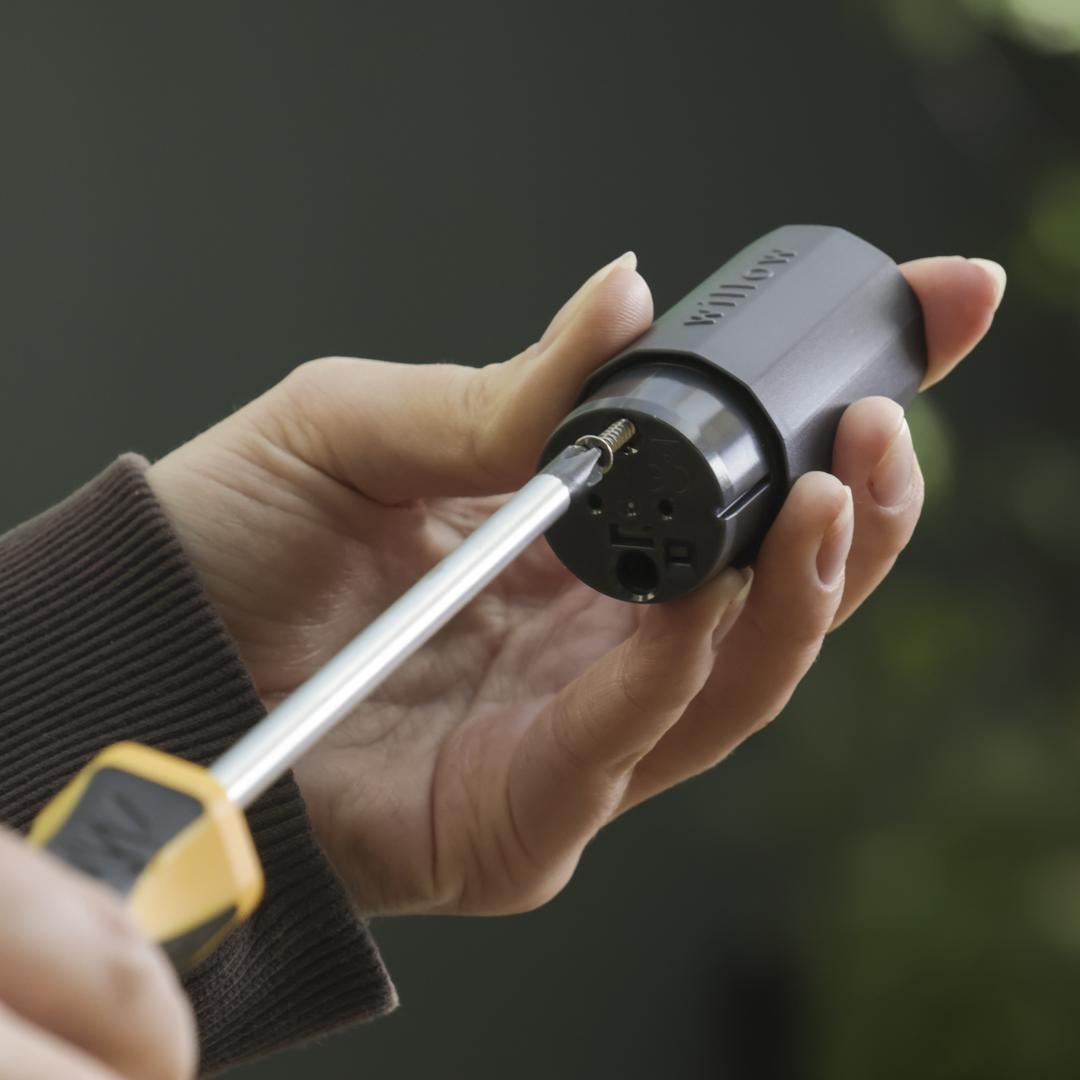
Using a Phillips screwdriver, remove the screw to reveal the electronics.
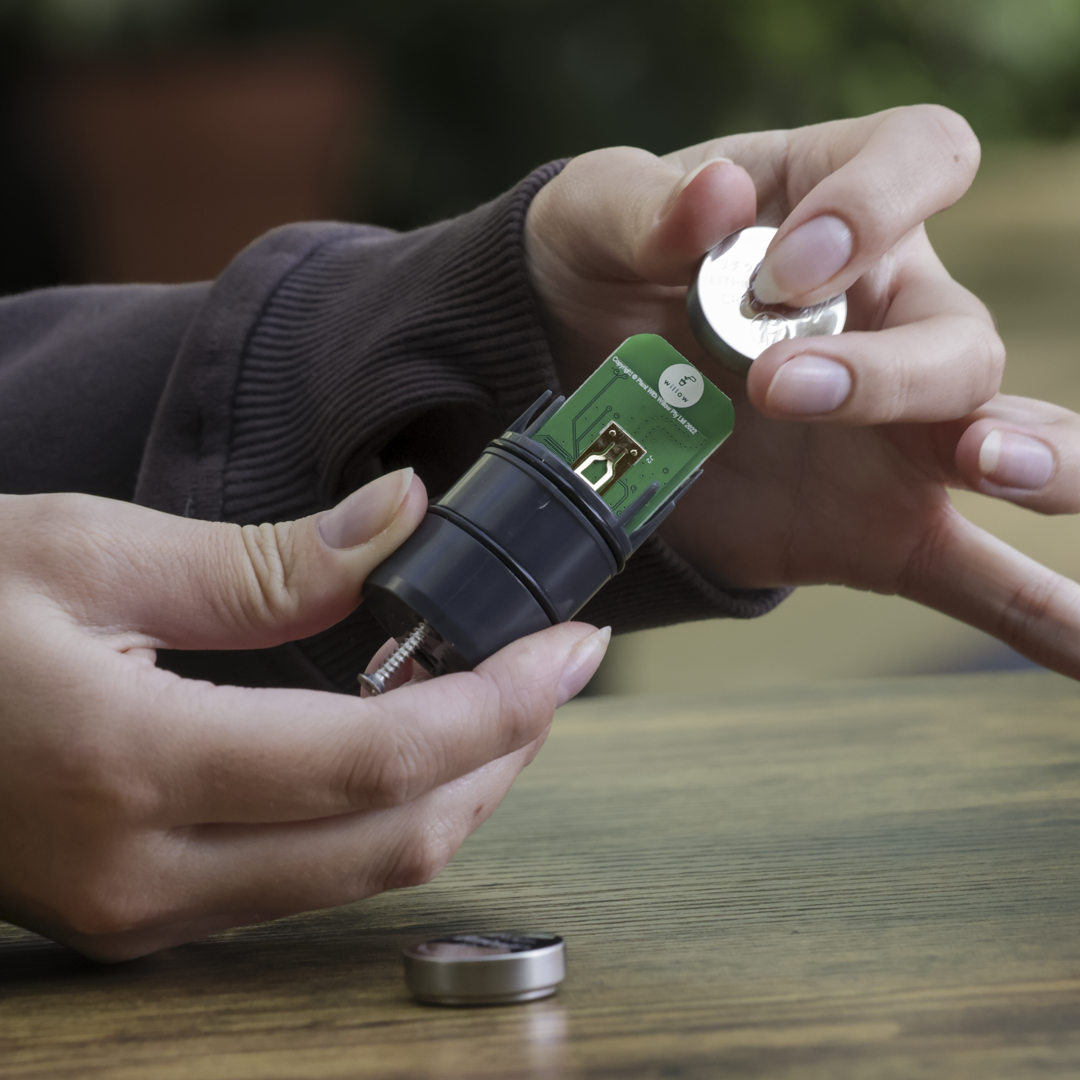
Remove the old battery and replace, ensuring the battery text is facing forwards.
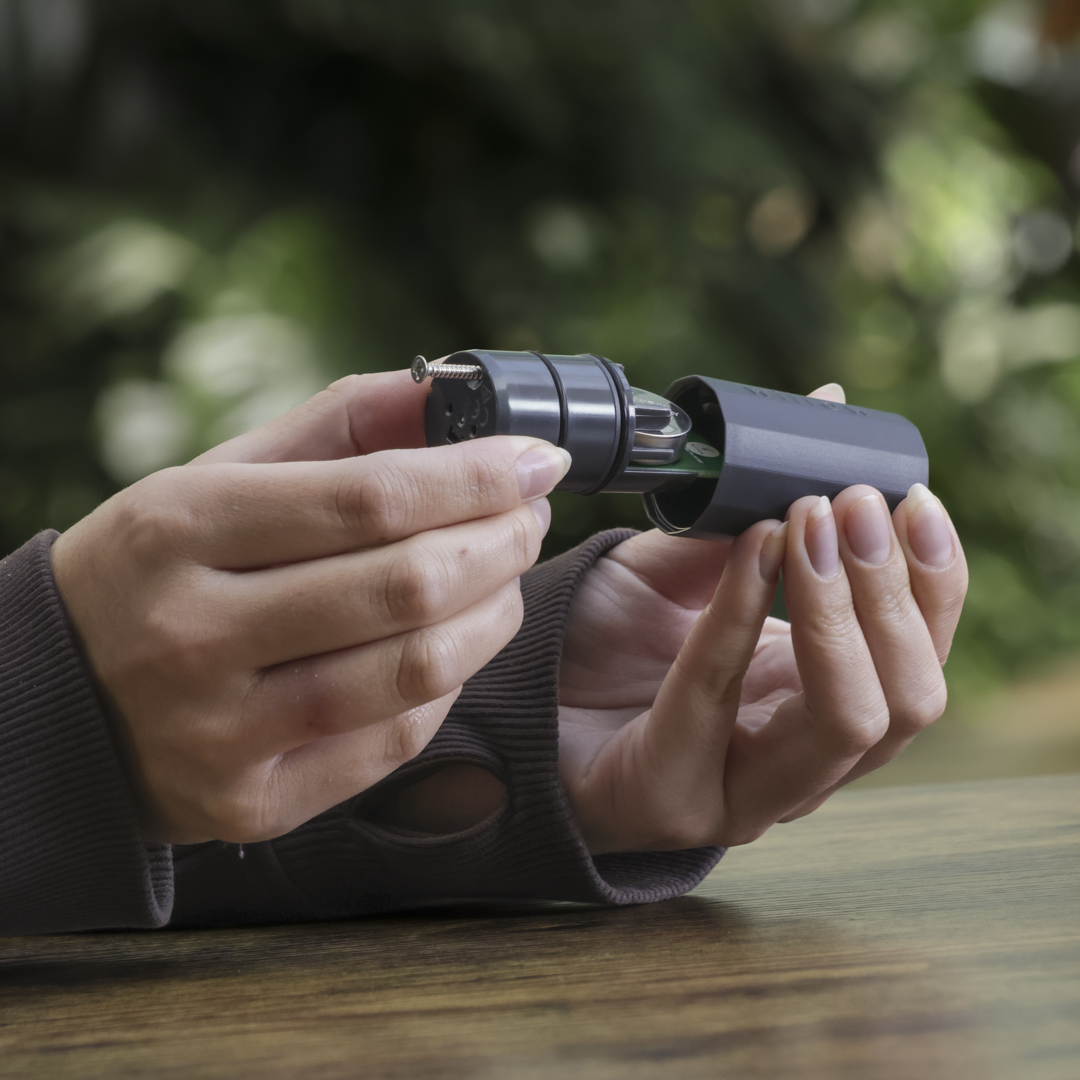
Insert the screw and reassemble the Sensor.
No repairing or rebooting needs to take place.

CAUTION: New or used lithium batteries can cause severe or fatal injuries in two hours or less if swallowed or placed inside of the body. Seek medical attention immediately if you suspect the battery has been swallowed or placed inside any part of the body.
Keep new and used batteries out of reach of children.
Don't bin batteries. Dispose of used batteries at a safe collection site near you.

Change WiFi Details