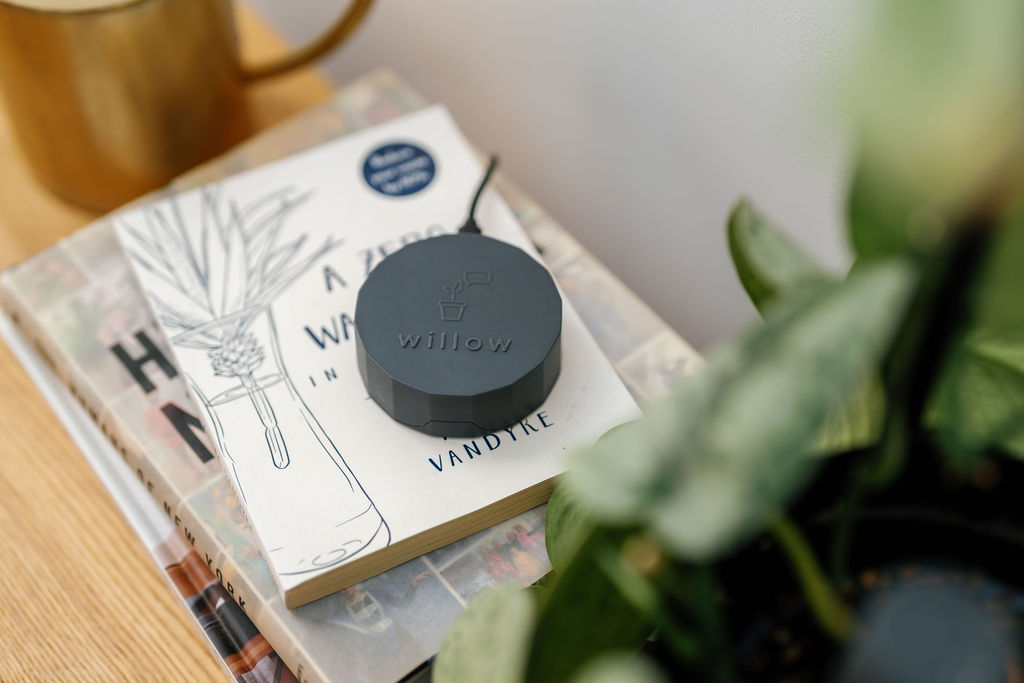


If you have changed your WiFi credentials (username or password) or upgraded your router, you may have noticed your Willow Hub is flashing red and green.
This is because your Hub is trying to connect to the WiFi using the wrong information and needs to be updated.
Head to your Hardware section in the app - this can be accessed from the side navigation menu or your profile page.
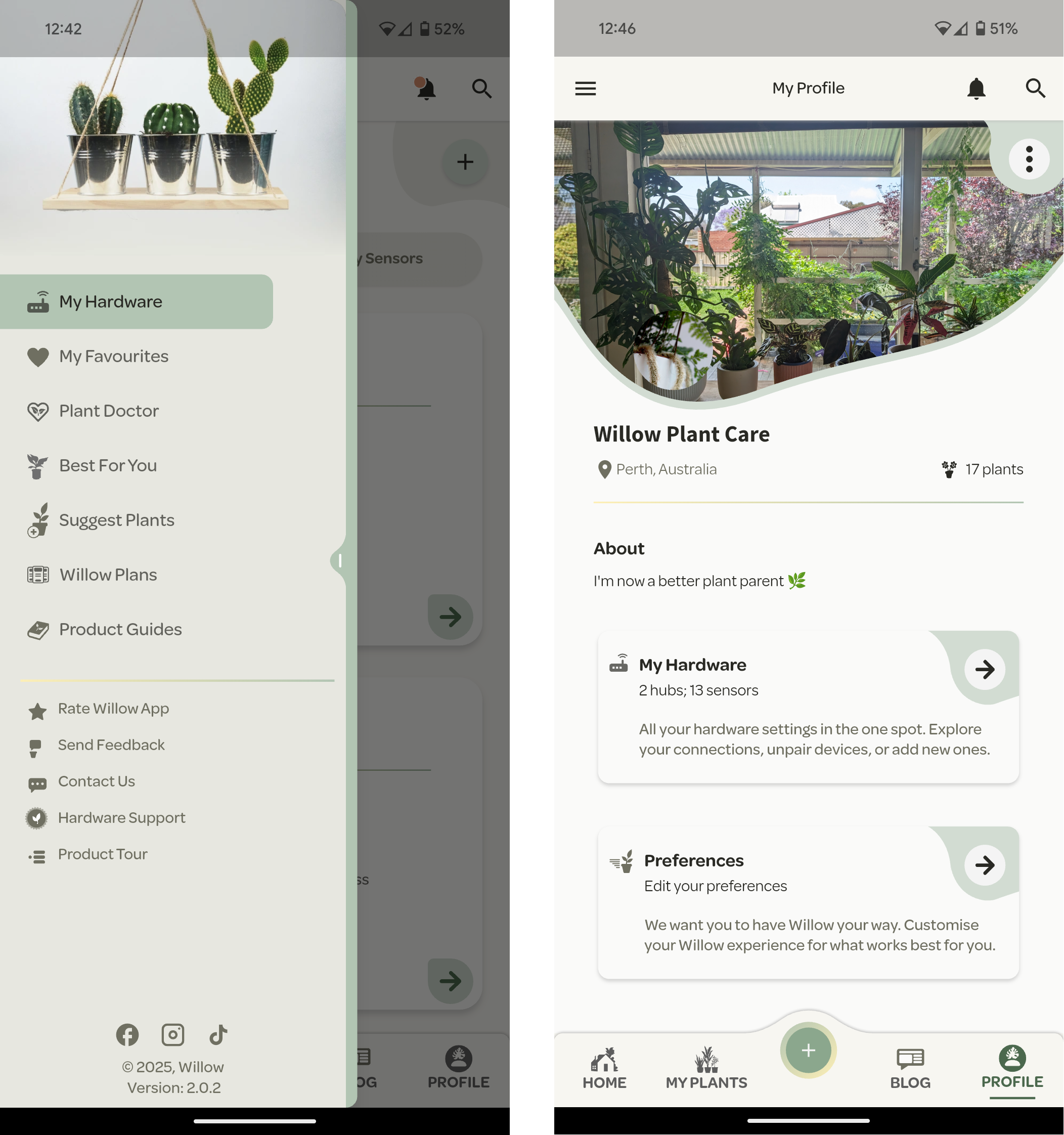
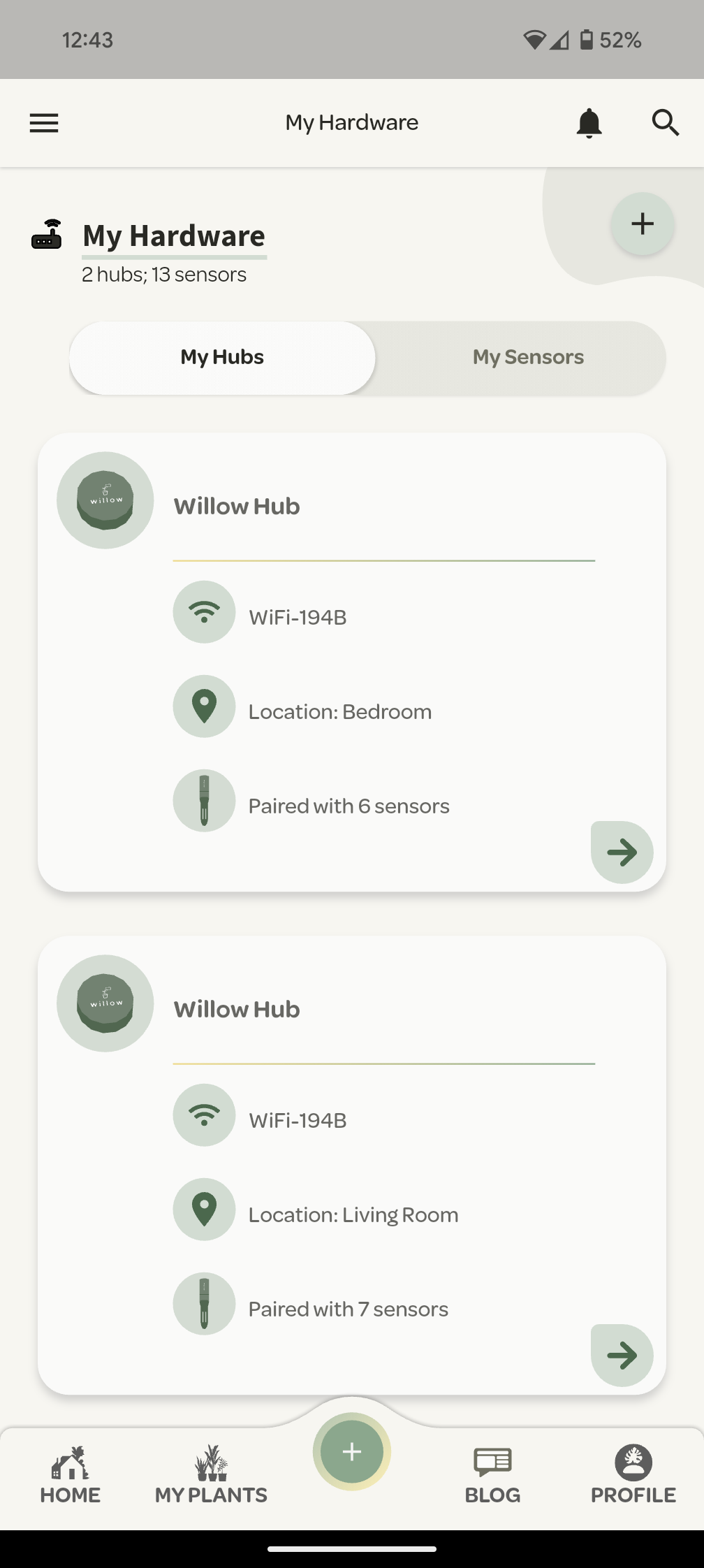
From the harwdare settings, choose the Hub you would like to edit and press the green arrow.
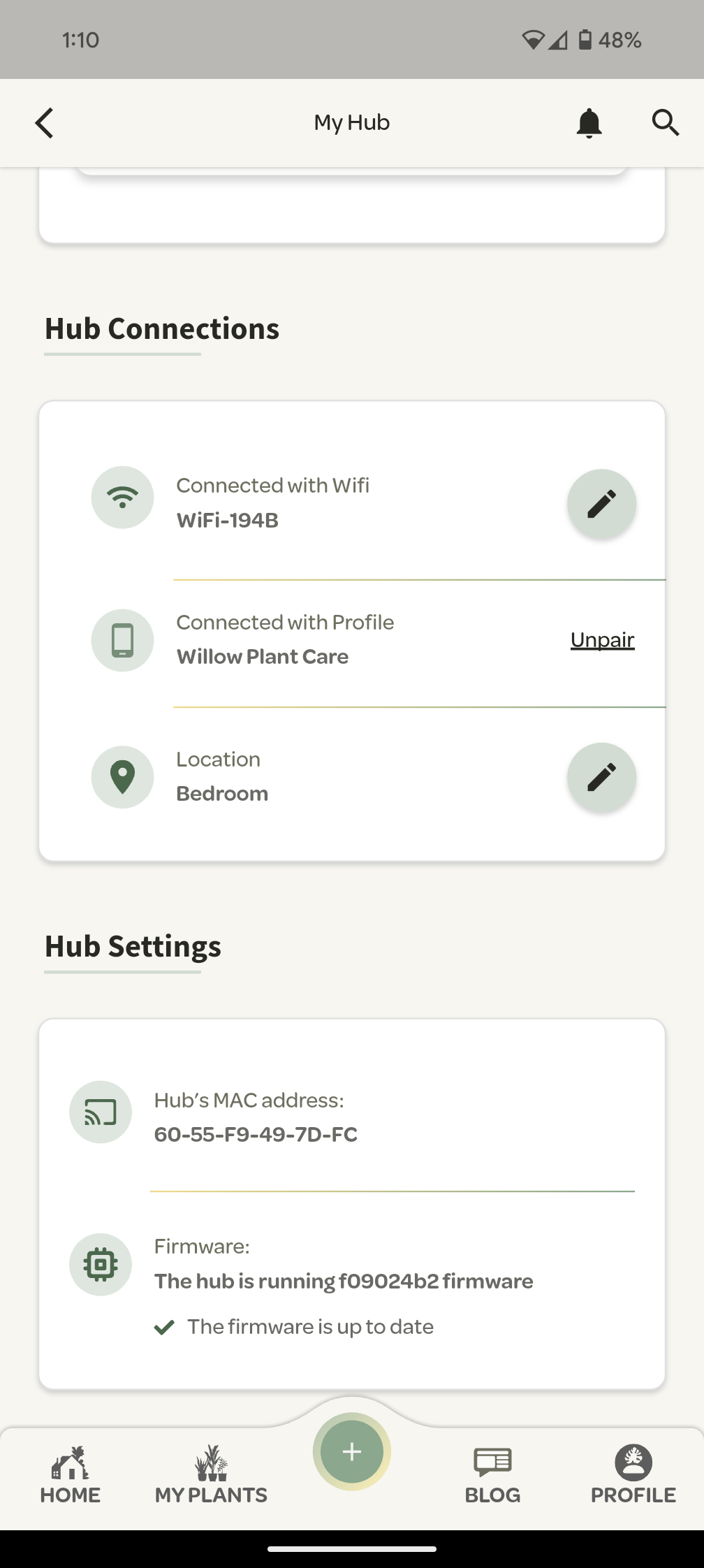
Navigate to the Hub Connections section and next to your WiFi name is a pencil icon to edit.
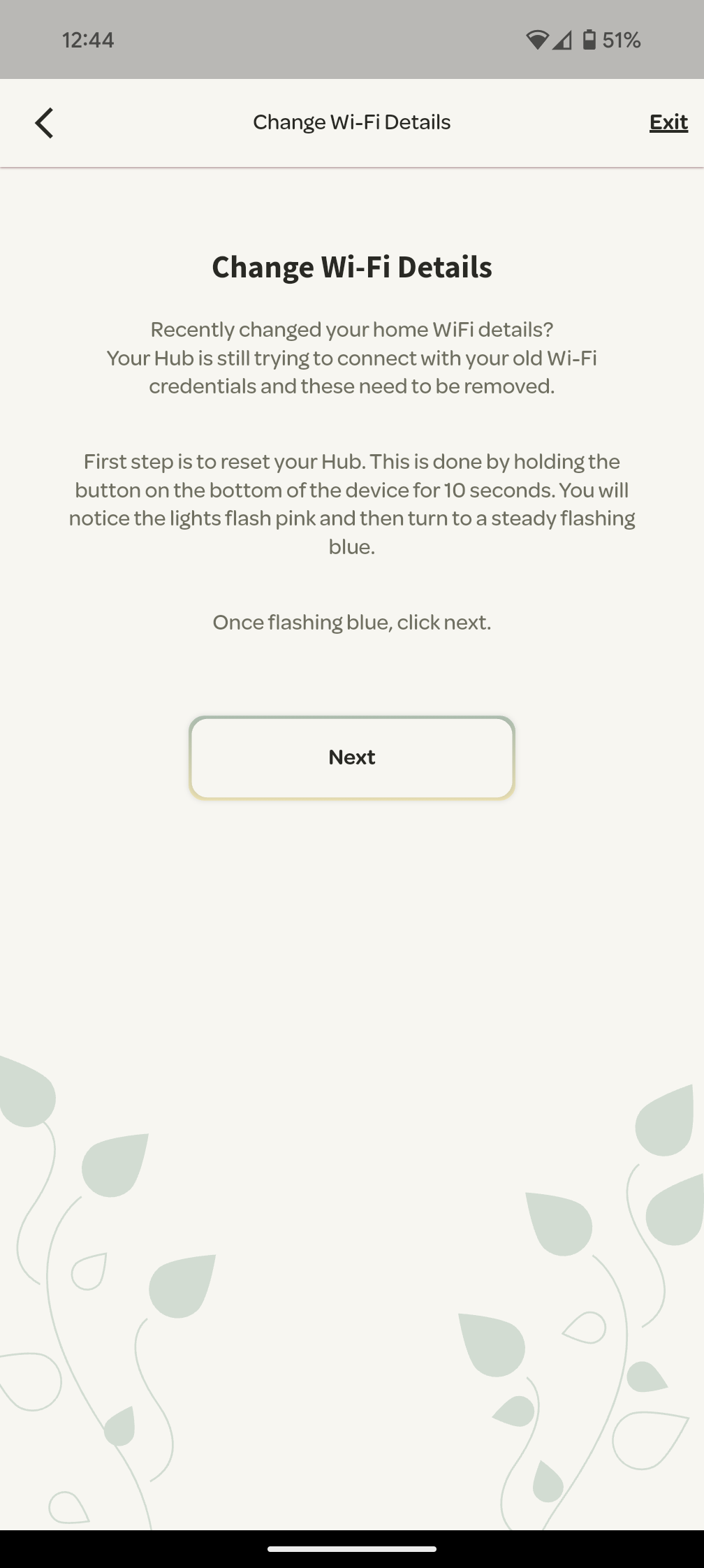
First step is to turn your Hub over and hold the button on the bottom of the device in for 10 seconds. The light on your Hub will turn from green/red to pink whilst resetting and when completed will flash a steady blue.
Once done, press next and follow the prompts to pair your Hub and connect it to the WiFi.
Once your Hub has reconnected to the internet using the new credentials, it will automatically repair with your Sensors. You DO NOT need to reset or repair or take any action with them.

