

To help users interact with the Willow app, we've compiled a how-to for the most common tasks.
My Plants (Visit & Filter)
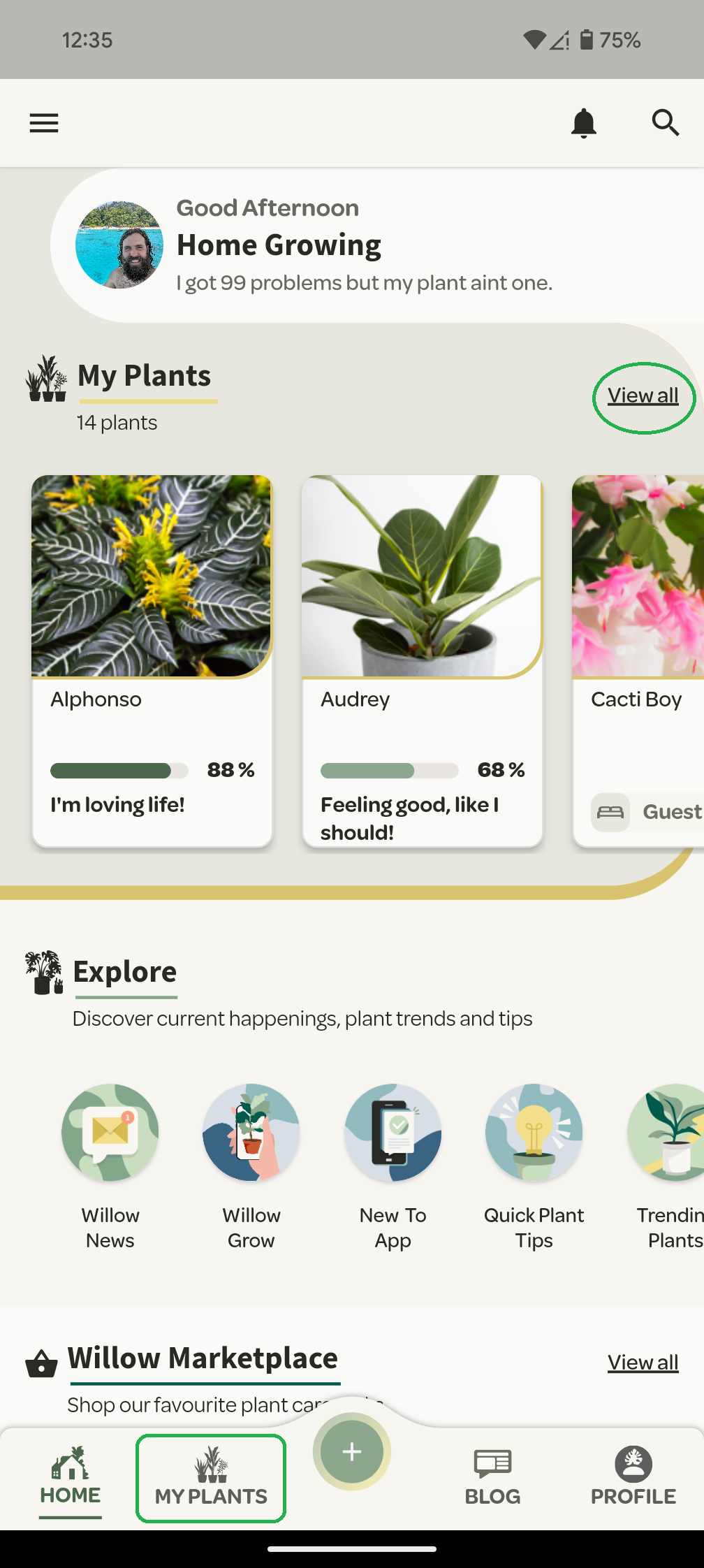
The ‘My Plant’ section can be accessed from the bottom navigation menu or from the 'View All' on the homepage.
Once there, you will see all the plants you have added.
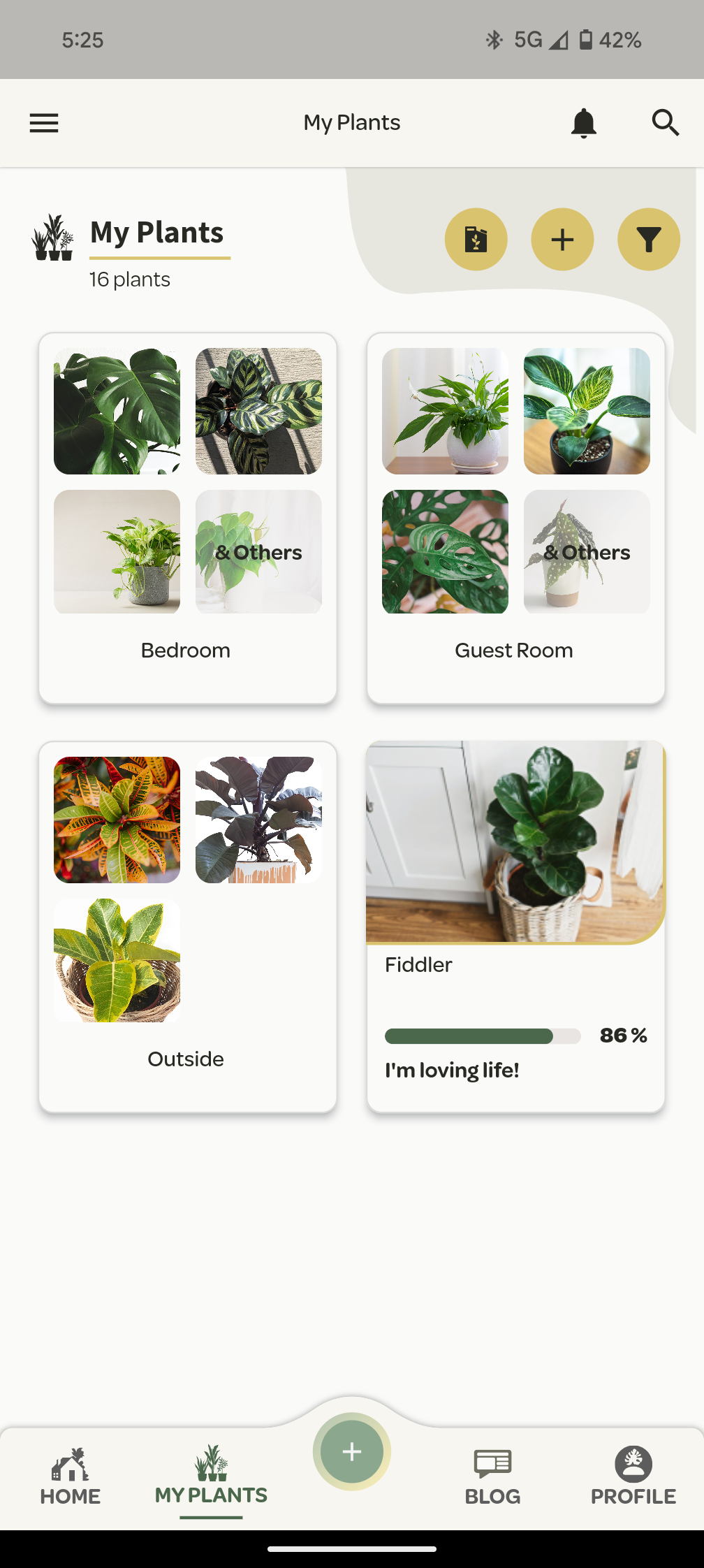
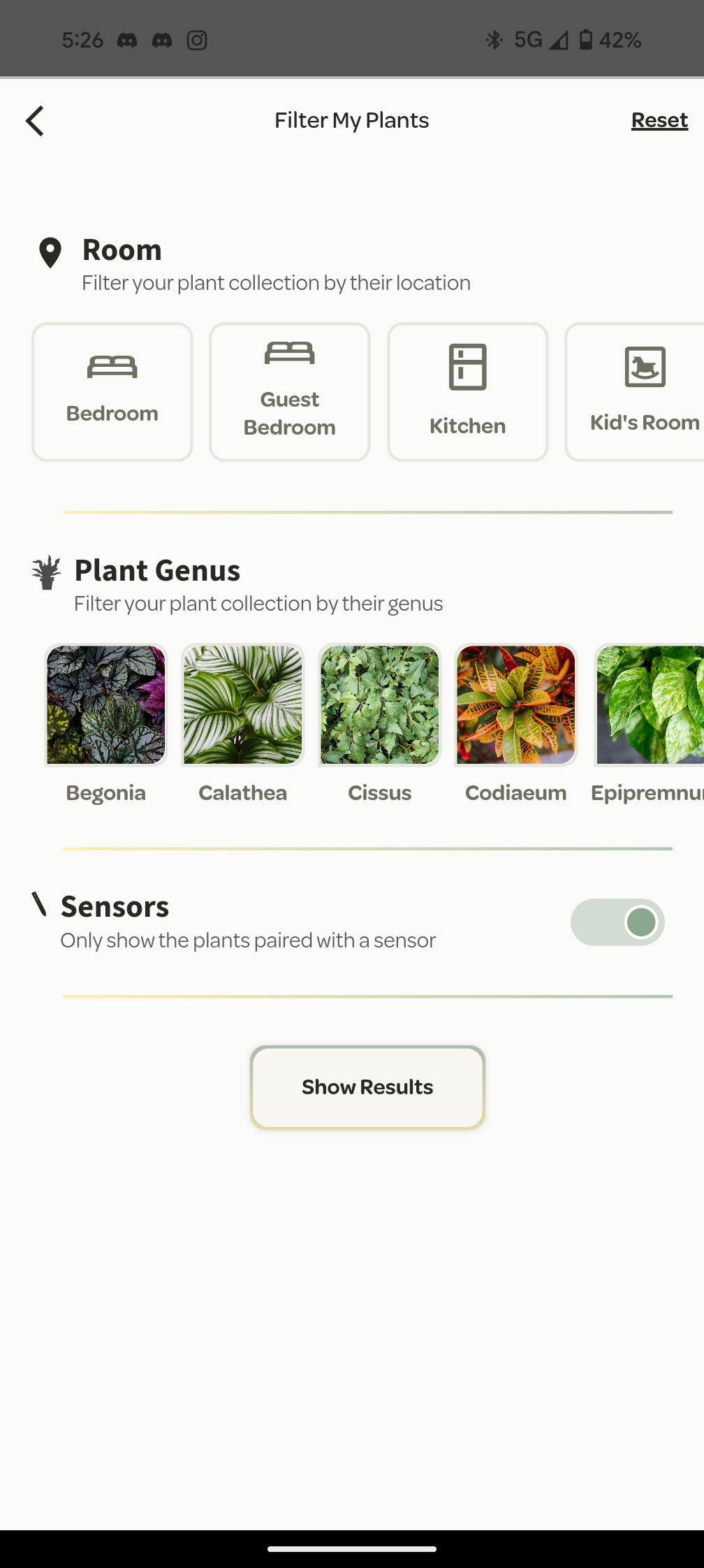
If you start to find some plants are hard to find as your collection grows, you can use the top right yellow filter icon to either filter or organise your collection.
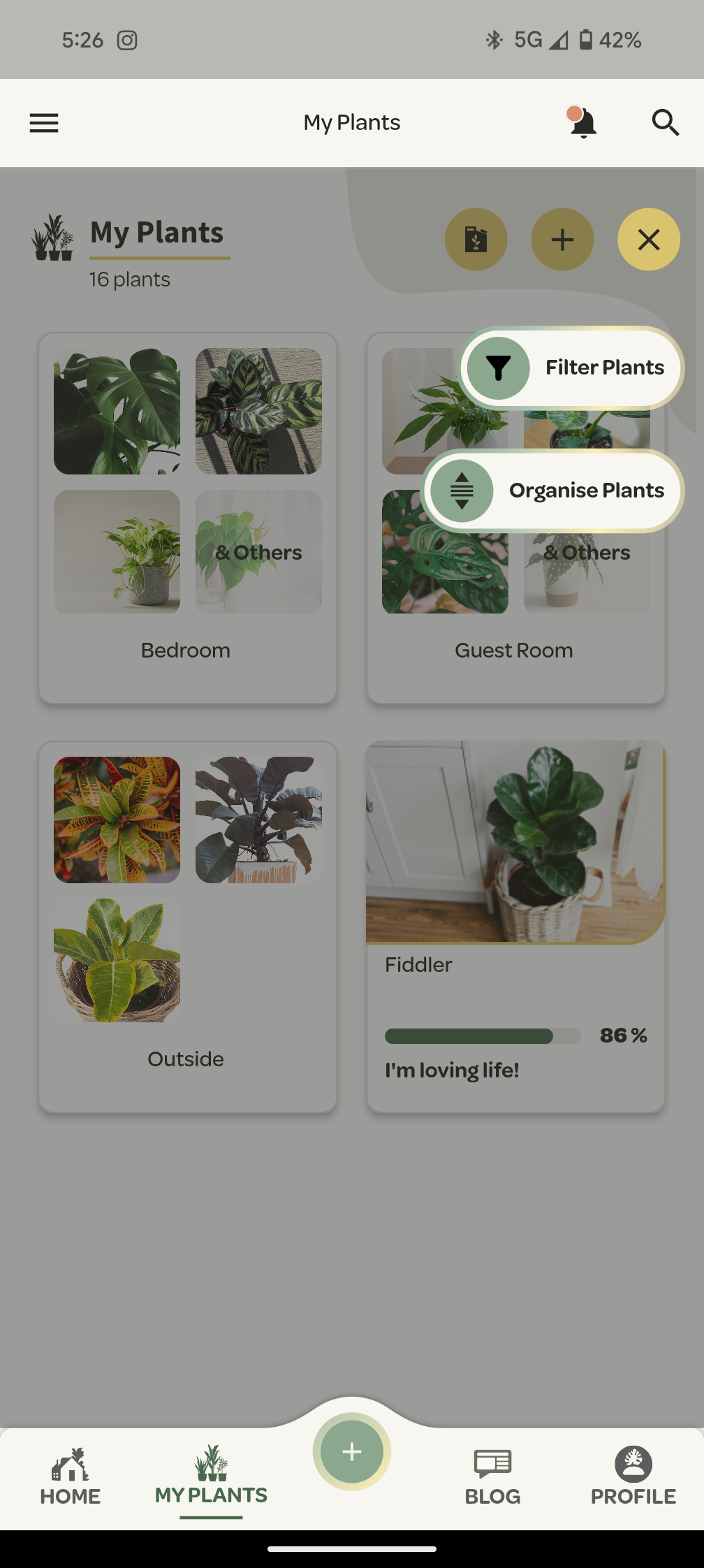
Filtering allows you to view only the plants that are in a certain location, belong to a certain genus or if it is paired with a Willow Sensor or not.
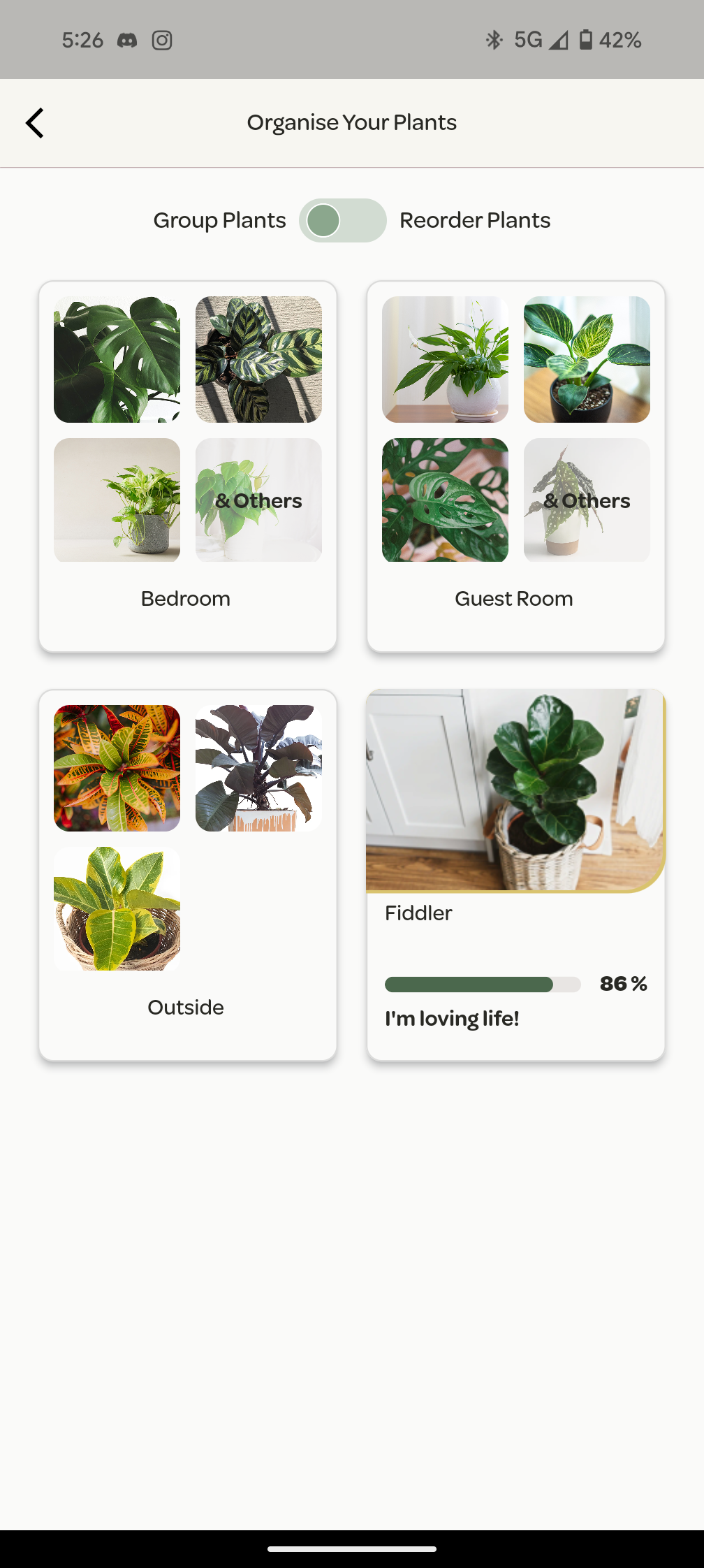
For things a little more permanent, you can also use the organise function which allows you to group plants into a folder and reorder the plant display.