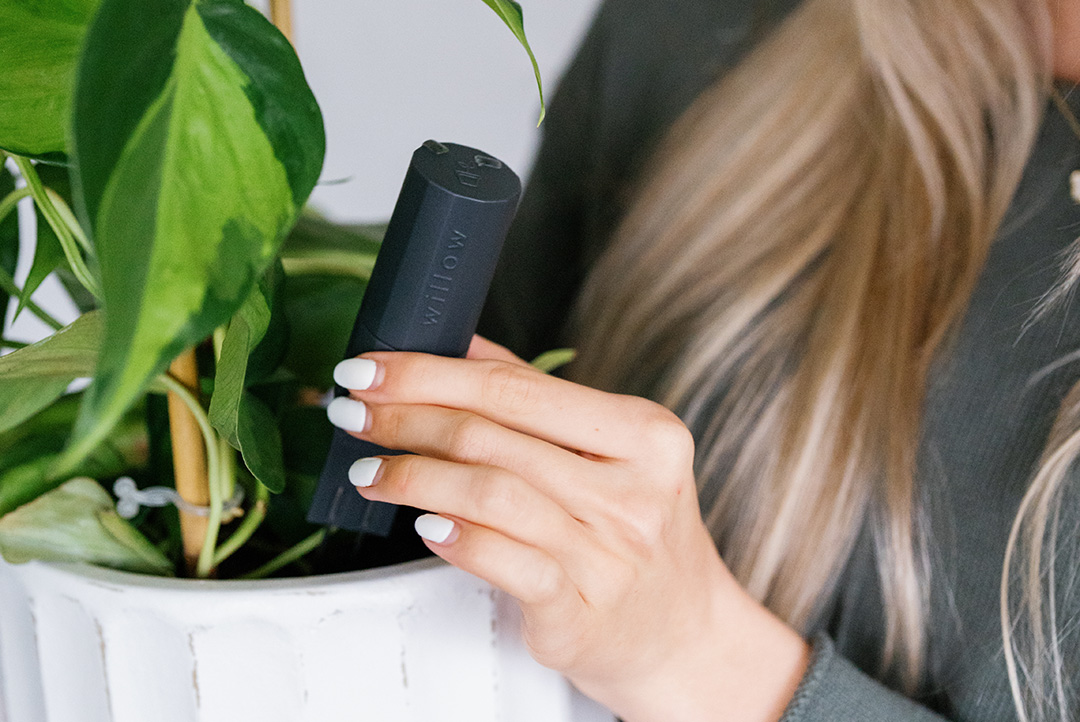


Got your plant care regime down pat for your plant or have more pressing concerns with a different plant needing your attention? Not to worry, you can easily switch the plant your sensor is paired with.
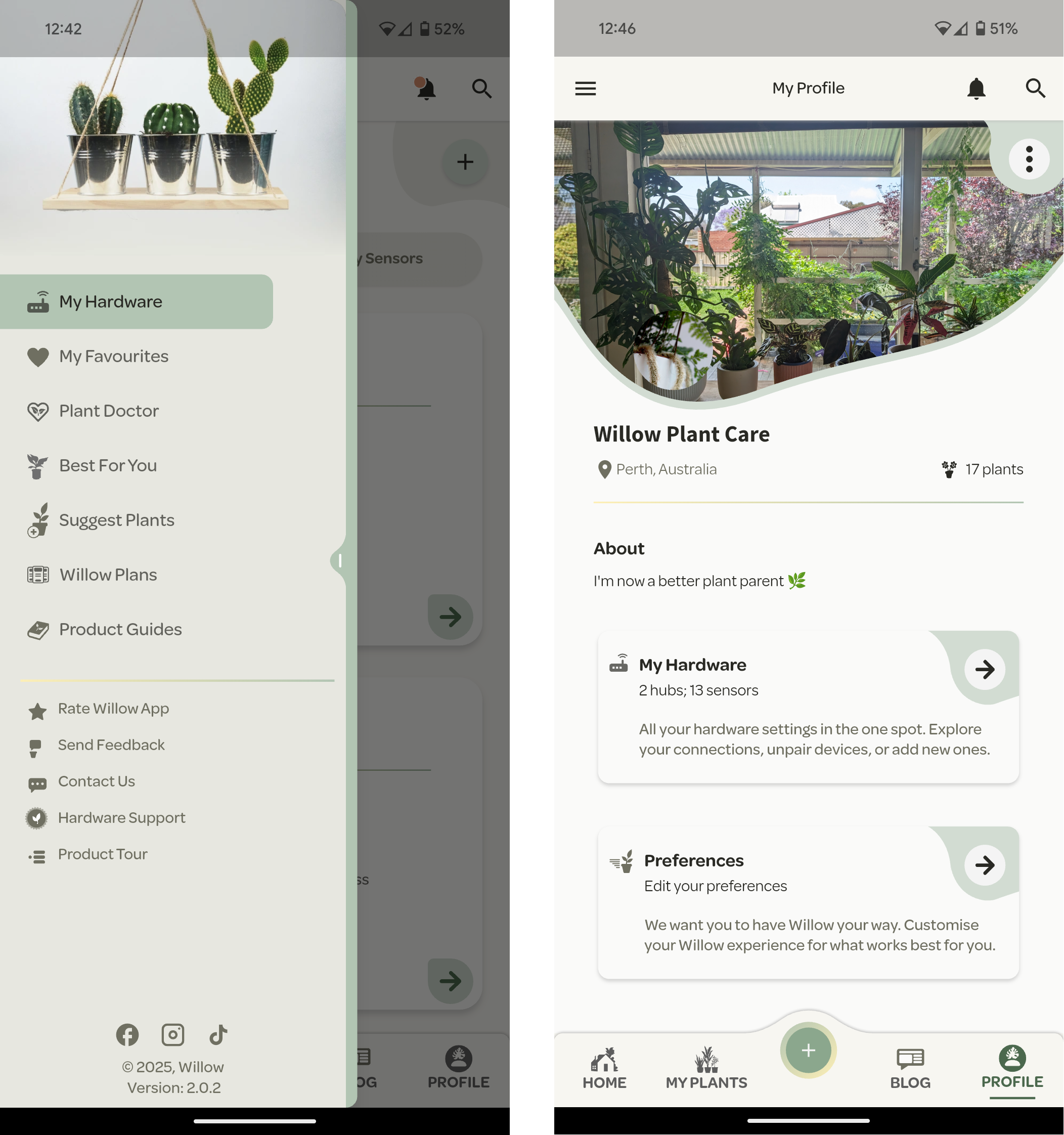
Head to your Hardware section in the app - this can be accessed from the side navigation menu or your profile page.
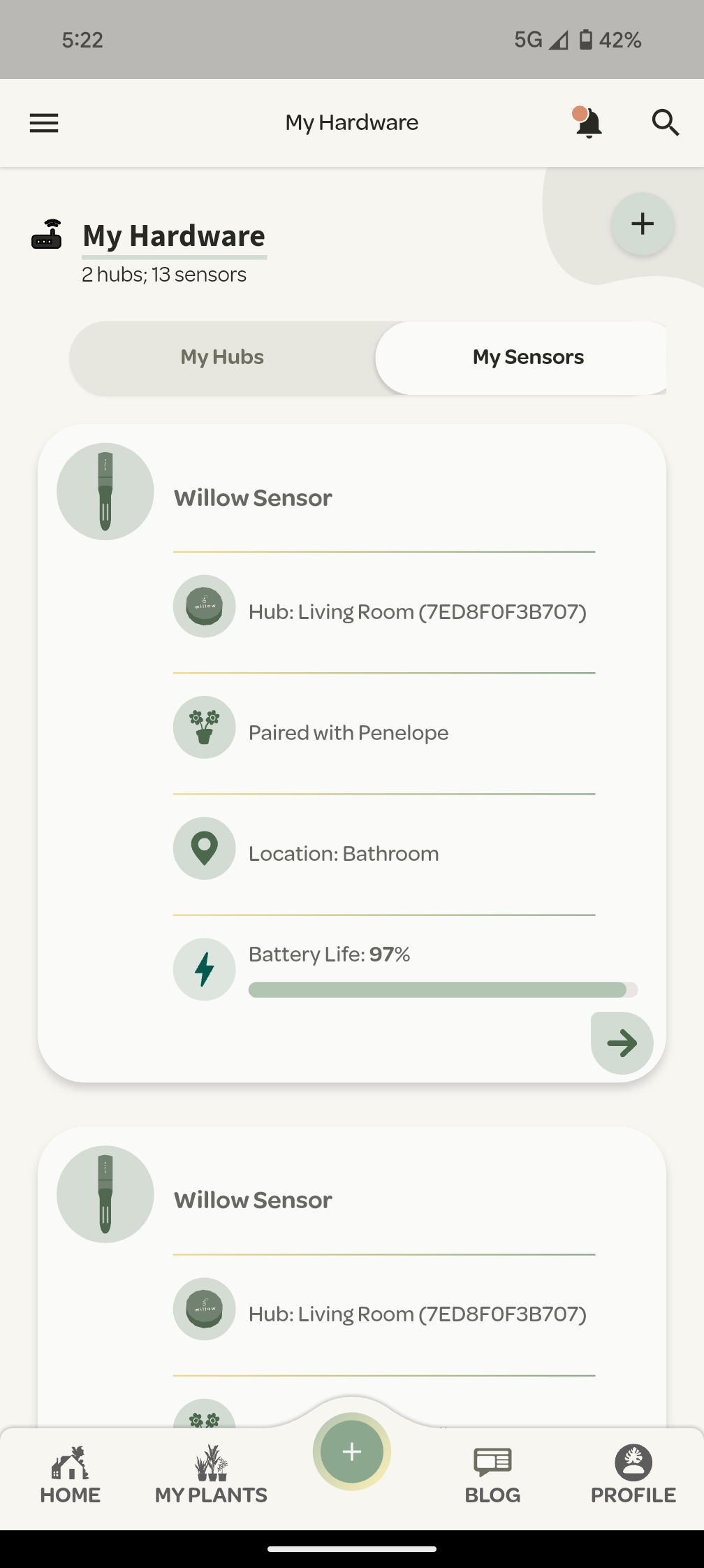
From the hardware settings, choose the Sensor and Plant you would like to unpair and press the green arrow to access the settings.
Under the Sensor Pairings section you will see an unpair button next to the plant it's paired with. In the example below, this is Penelope.
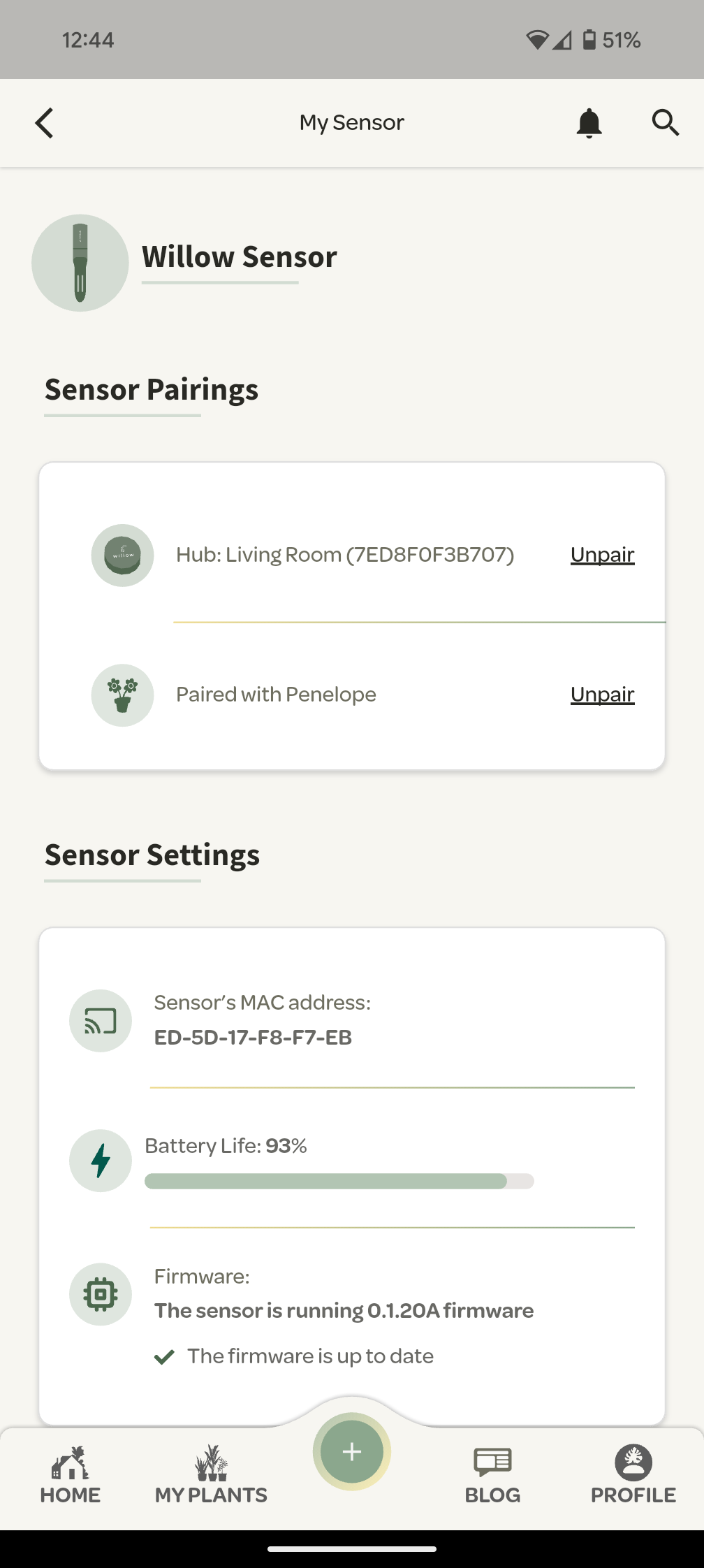
Select unpair and a popup will appear asking you to confirm.
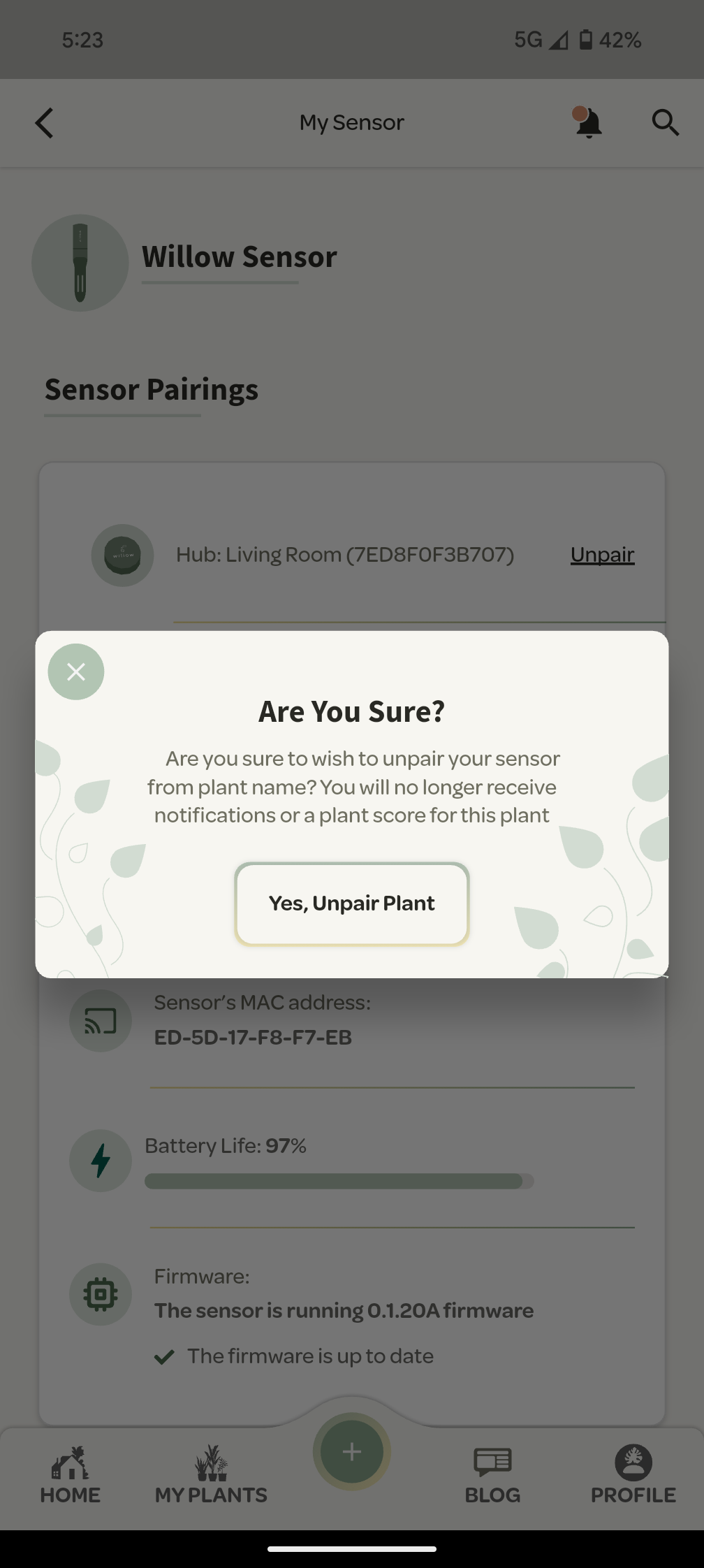
You will then be served a popup asking you to pair your Sensor with a plant. You can choose to add a new plant to your profile or pair the sensor to a plant you have already created.
Select your plant and then you know the drill - provide a name, location, soil type and growth goals.
Job done!

